

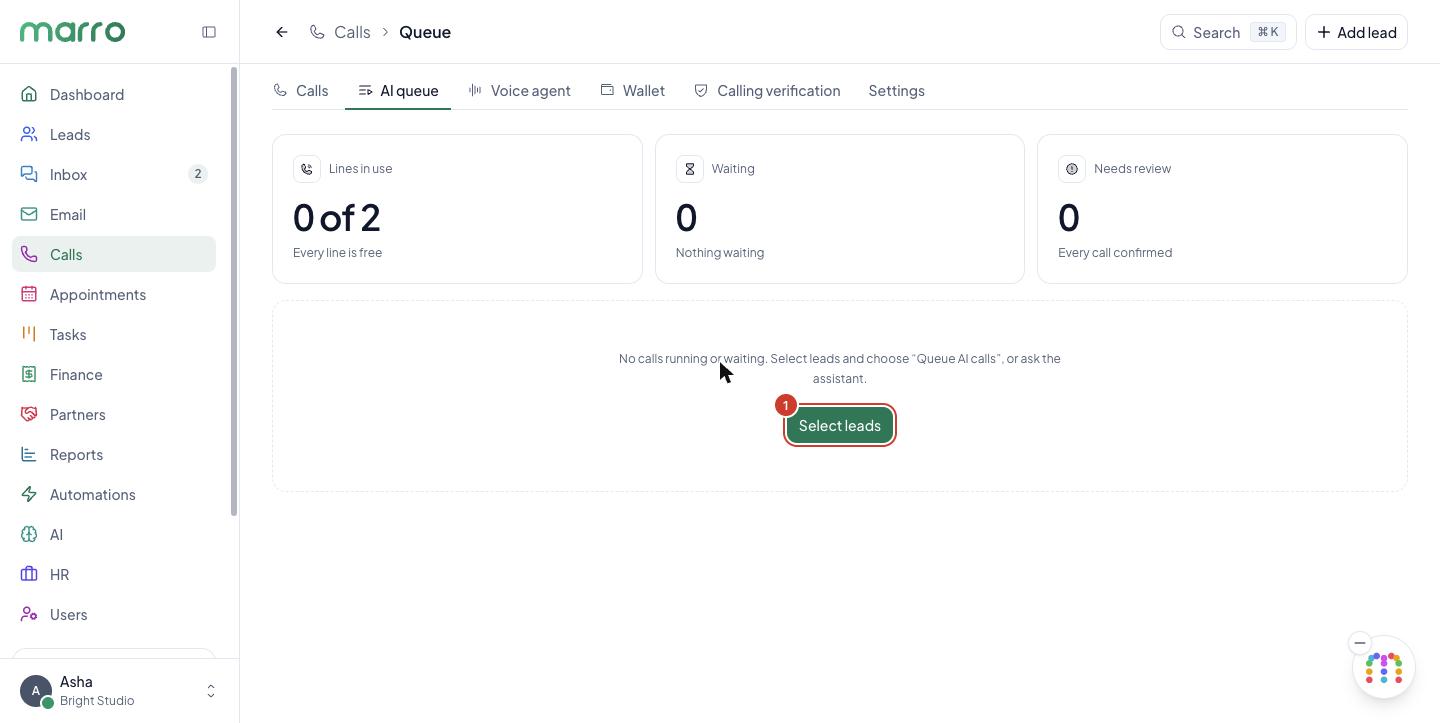
What the queue shows
Cancel a waiting call
1
Open the queue
Go to Calls → AI queue.
2
Find the call
Look under the calls waiting.
3
Cancel it
Choose to cancel it. Only waiting calls can be cancelled.
How calls get in
Need more lines? See Voice agent.Ask Marro
Try asking
“What is waiting in the AI call queue?”Marro lists the waiting calls and the lines in use.