

Invite someone
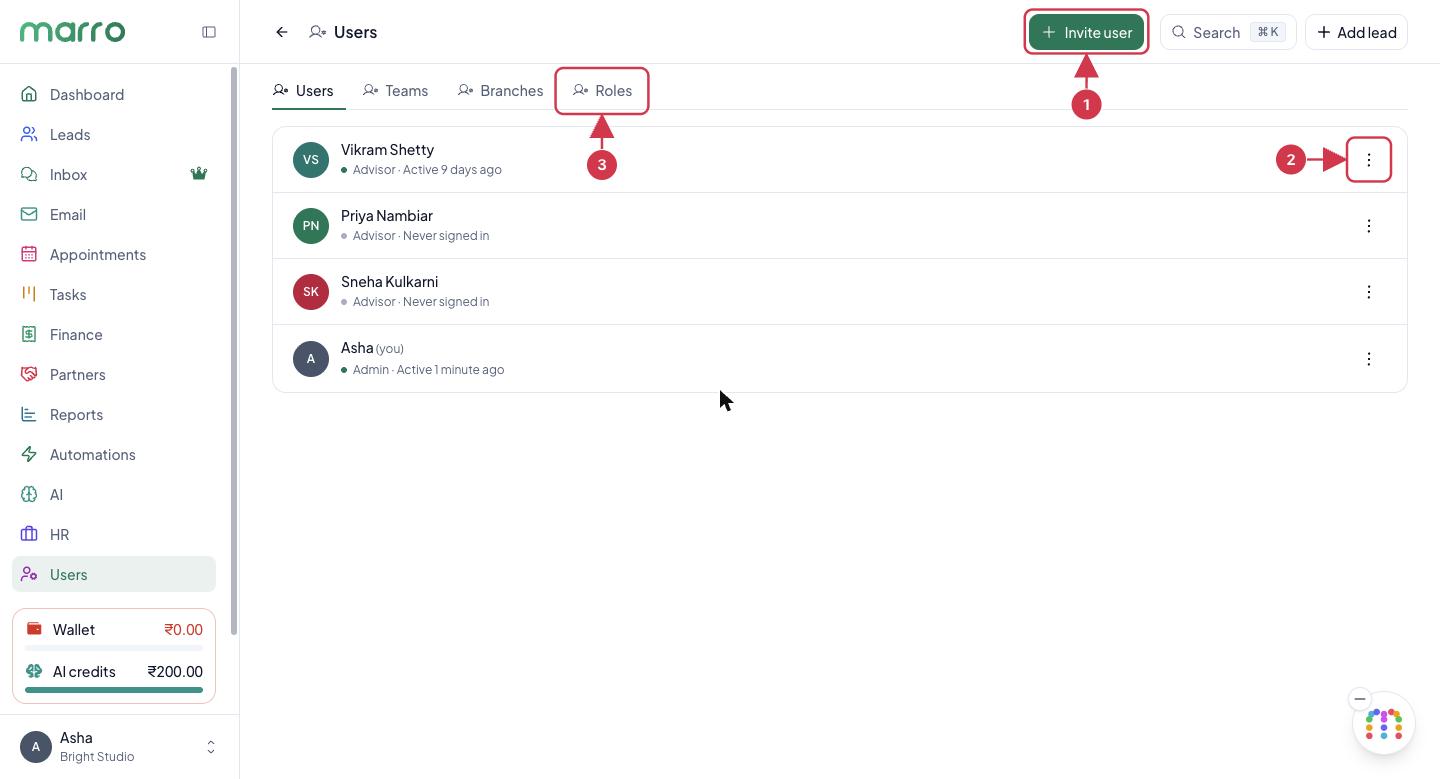
1
Invite user
Choose Invite user and enter their details.
2
Pick a role
The role decides what they can see and do.
3
Send
Marro emails an invitation, or you can set a password yourself.
Manage a person
Password links
Ask Marro
Try asking
“Invite priya@example.com as an Advisor”Marro shows the invitation and asks before sending.