

Your numbers
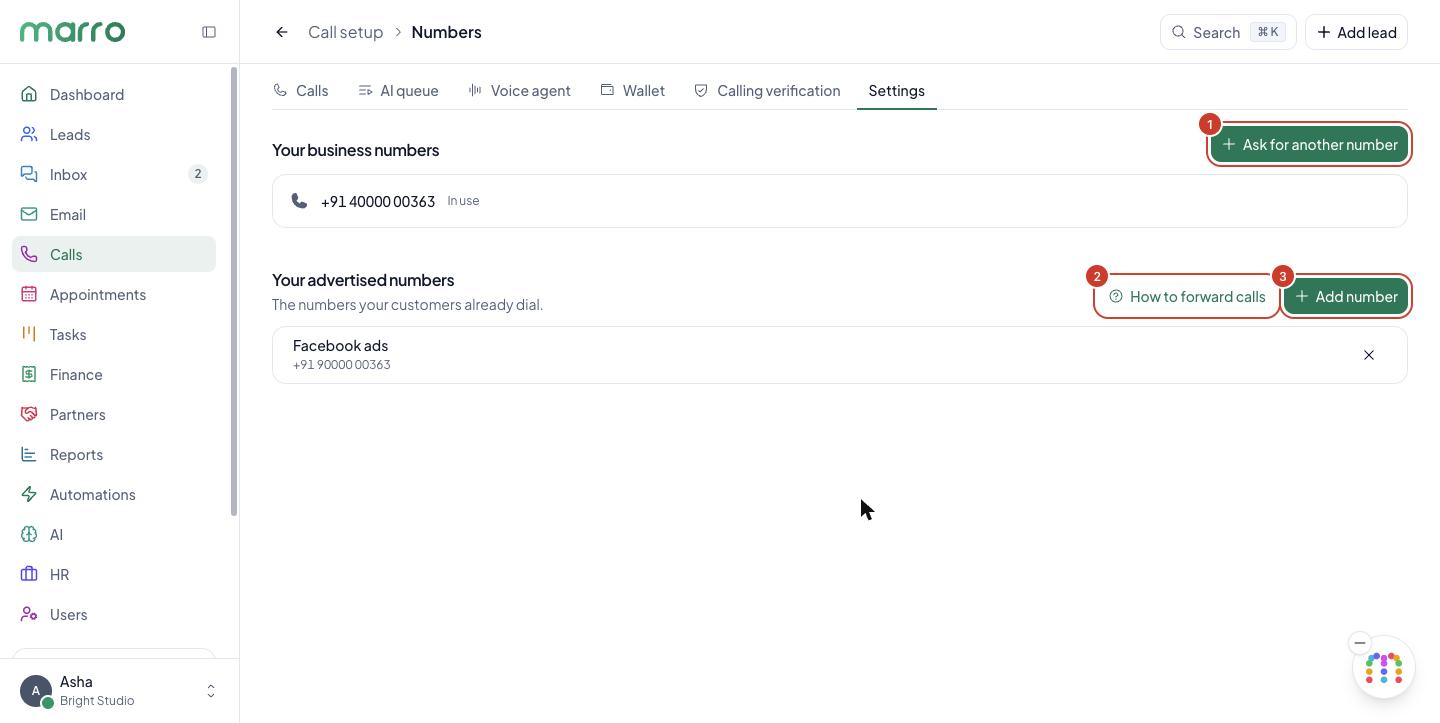
Rent another number
1
Open Numbers
Go to Calls → Settings → Numbers and choose Rent another number.
2
Check the price
The first month comes from your wallet now.
3
Confirm
The number is set up straight away and you get an email.
Keep your advertised number
Customers keep dialling the number you advertise. Add each one under Your advertised numbers with a label. Marro will not ring those numbers, so a call cannot loop back.- Outgoing calls show your business number, not the advertised one.
- Several advertised numbers can forward to one business number. If the network passes it on, the call shows Dialled +91 …. Make a test call to check yours.
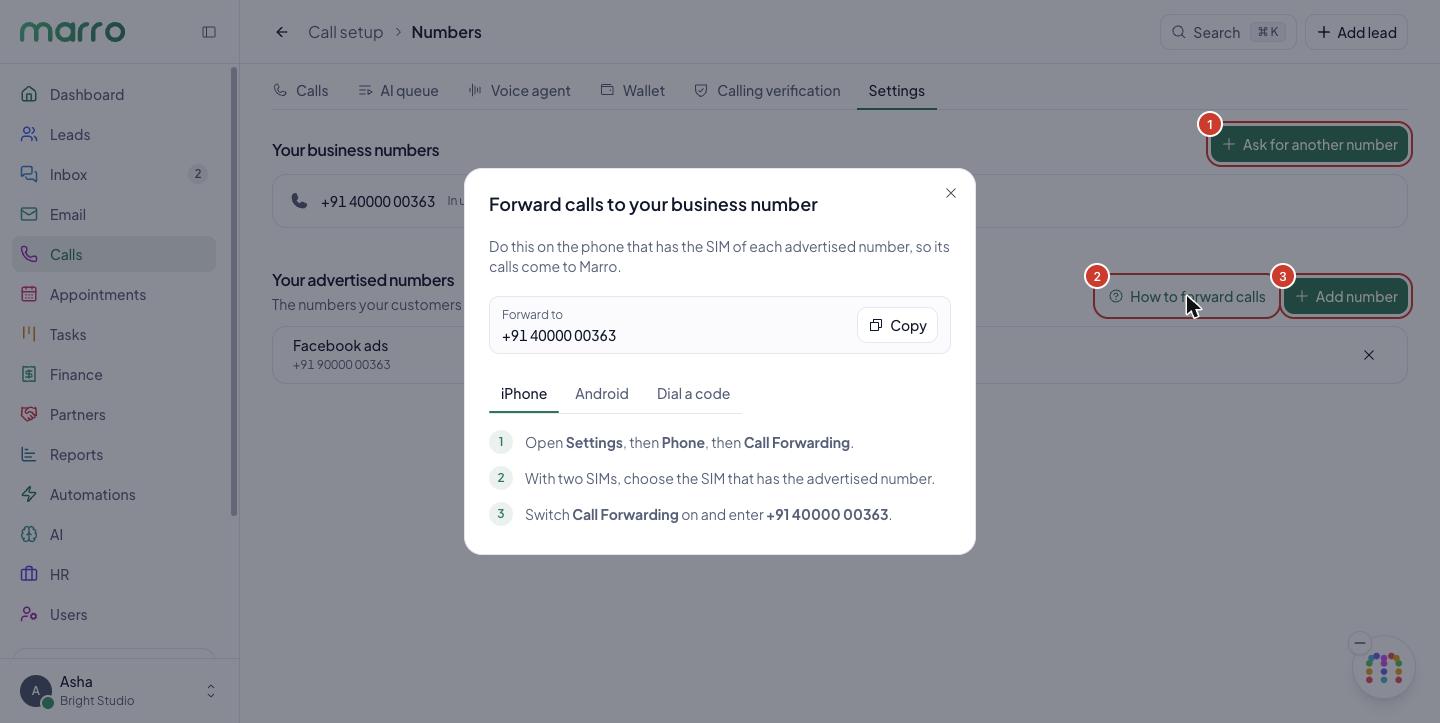
Forward calls to Marro
1
Open your phone settings
On the SIM that has the advertised number, go to Settings → Calls → Call forwarding.
2
Forward to your business number
Enter your business number and turn forwarding on.
3
Test it
Call your advertised number from another phone.
Ask Marro
Try asking
“Which numbers do we have and when do they renew?”Marro lists your business and advertised numbers with their renewal dates.