

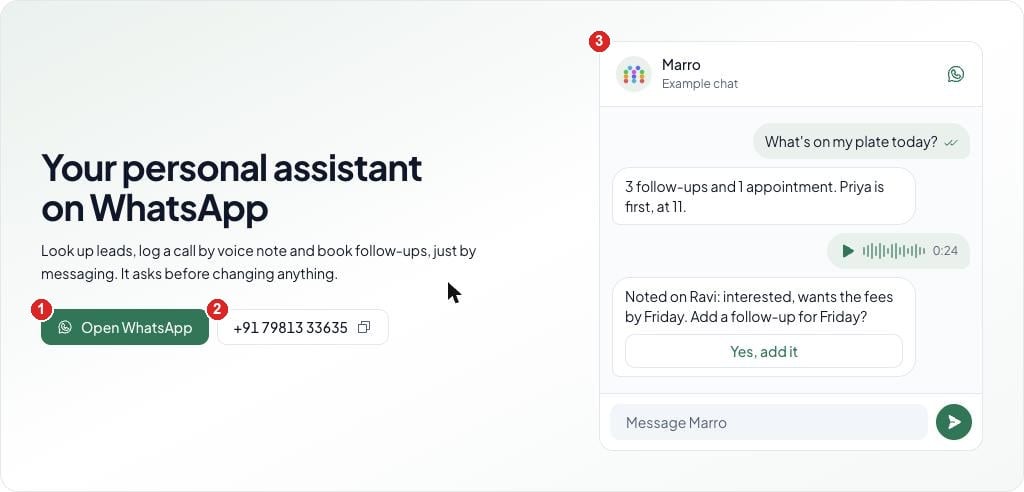
- Open WhatsApp starts a chat with Marro’s number.
- The number, to copy or save as a contact.
- An example of what a chat looks like.
What you can do in the chat
It only talks about your work in Marro. Chats are saved like any assistant chat.
If something is off
For administrators
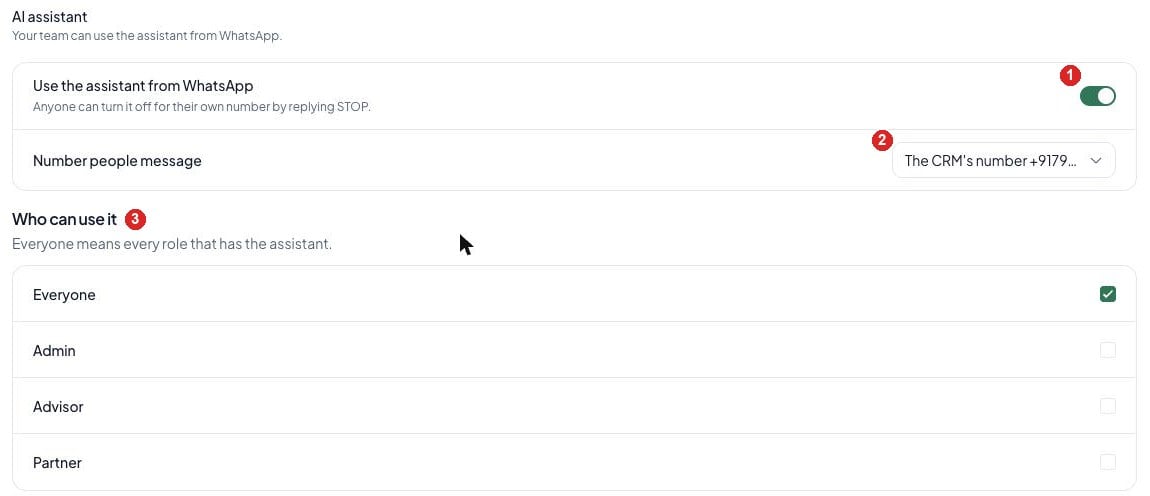
- Use the assistant from WhatsApp turns it on or off for your organization.
- Number people message: The CRM’s number, or Your WhatsApp Business number once it is connected in Inbox → Settings → WhatsApp number.
- Who can use it: Everyone with the assistant, or only the roles you tick.
Try asking
Try asking on WhatsApp
“What’s on my plate today?”A voice note: “Spoke to Ravi, he wants the fees by Friday.”“Book a follow-up with Ravi on Friday at 11.”