

The rule
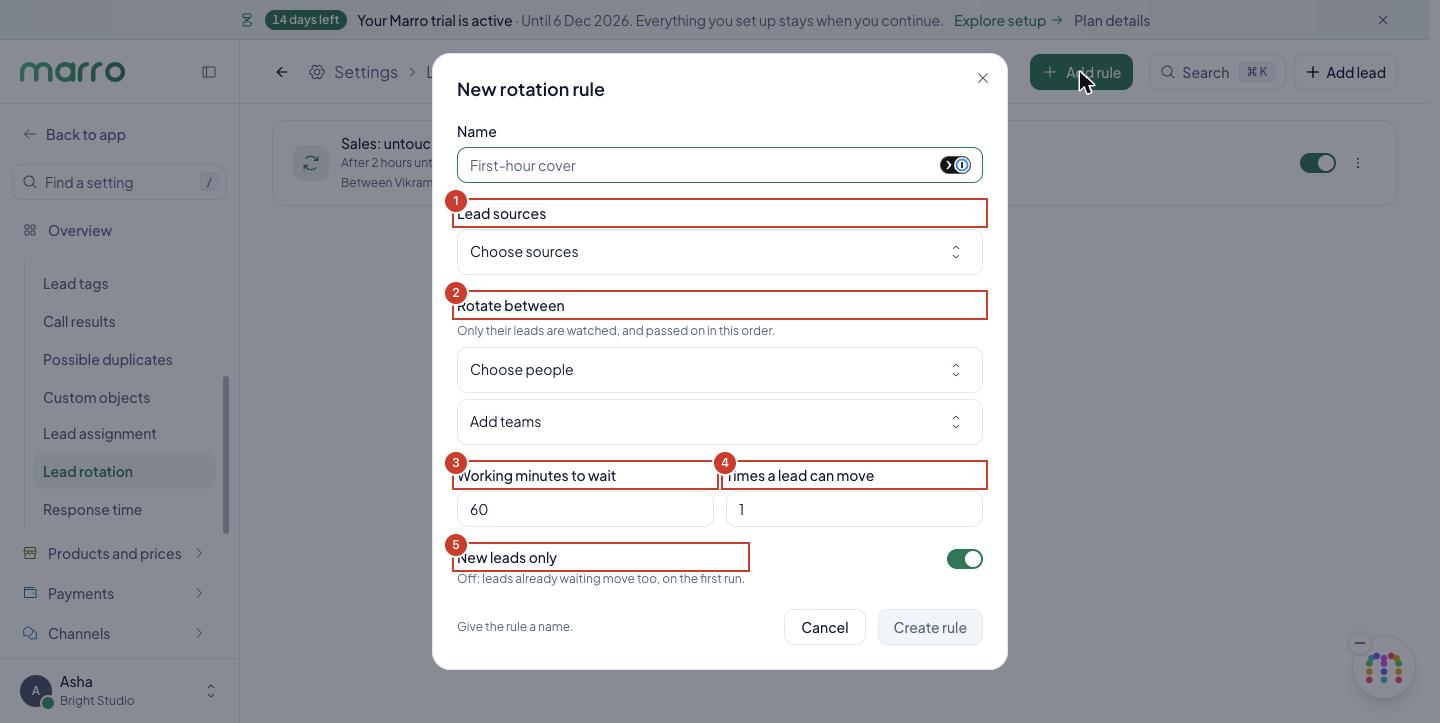
Set one up
1
Add a rule
Open Lead rotation and add a rule.
2
Fill in the form
Choose sources and people, then set the wait and the limit.
3
Publish
Press Publish rule. Existing leads are left as they are unless New leads only is off.
Ask Marro
Try asking
“Add a lead rotation rule: if a new lead is not touched within 2 hours, pass it to the next person in the Sales team”Marro drafts the rule. It goes live only when you press Publish rule, even in Auto.