

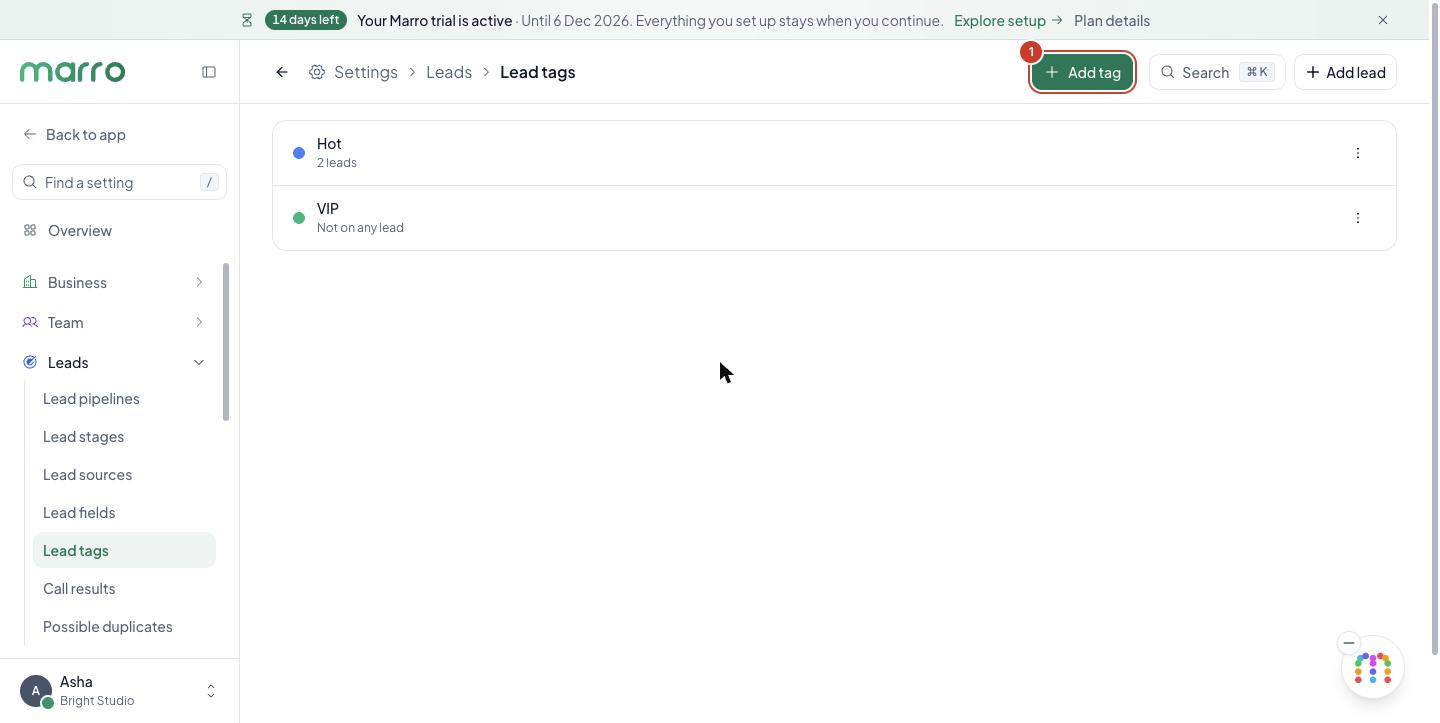
- Add tag creates a tag with a name and a colour.
Add a tag
1
Add tag
Choose Add tag and name it, for example Hot.
2
Pick a colour
Blue, Green, Amber, Red, Violet, Pink, Cyan or Grey.
Edit or delete
Ask Marro
Try asking
“Create two lead tags: Hot and VIP”Marro adds them after you approve.