

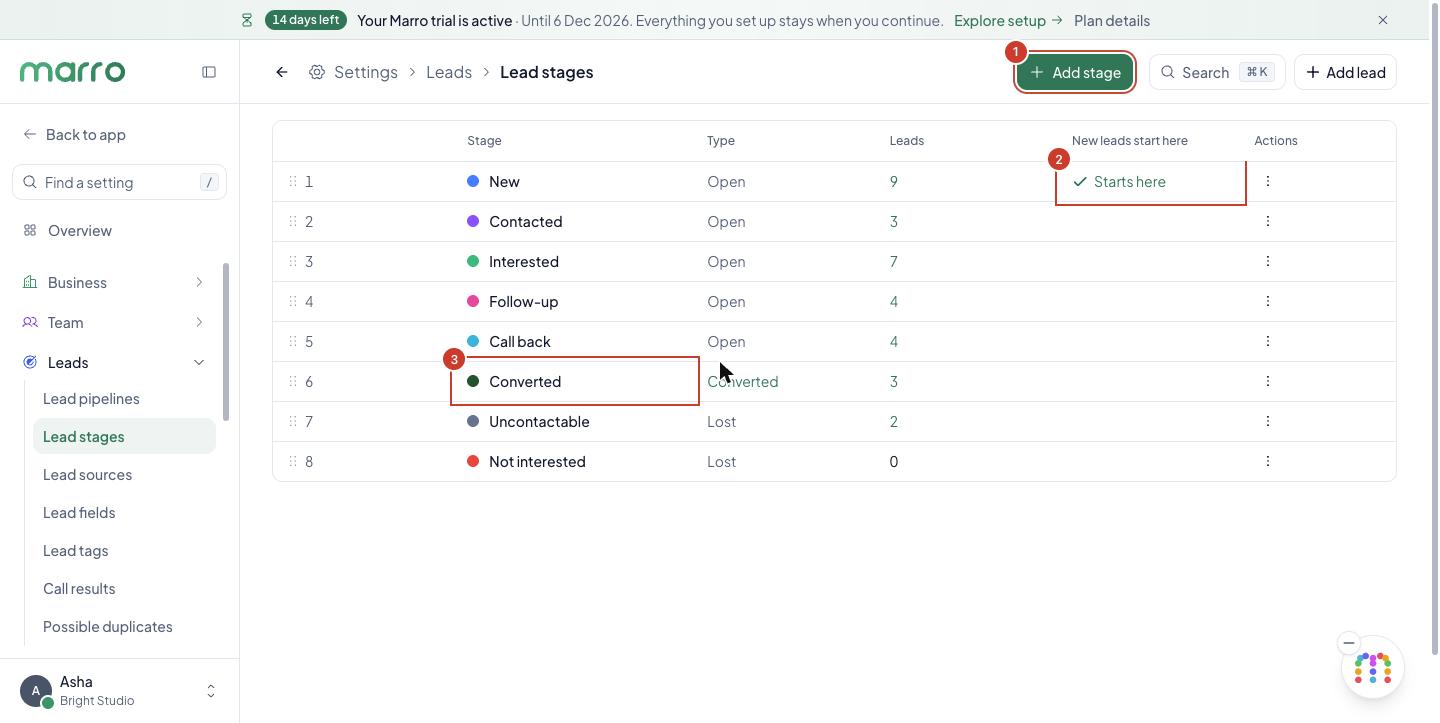
- Add stage adds a new one.
- Starts here marks the stage new leads go into.
- Converted is the type of a stage that counts a lead as won.
What a stage means
When a lead moves into a converted stage from one that is not, Marro tells the owner and the organization’s admins by email, WhatsApp and the app, once per conversion. The person who moved it is not told.
Add or change a stage
1
Add stage
Choose Add stage and name it.
2
Pick its meaning and colour
Under Meaning, choose Open (still being worked), Converted (reached the goal) or Lost (closed without it), then a Colour.
3
Start new leads here
Optional: in the … menu, start new leads at this stage.
Archive, restore or delete
Stages for your industry
Stages for your industry suggests a set for the industry you chose. Choose which to add; they go after your own, and a set you already have is not added again.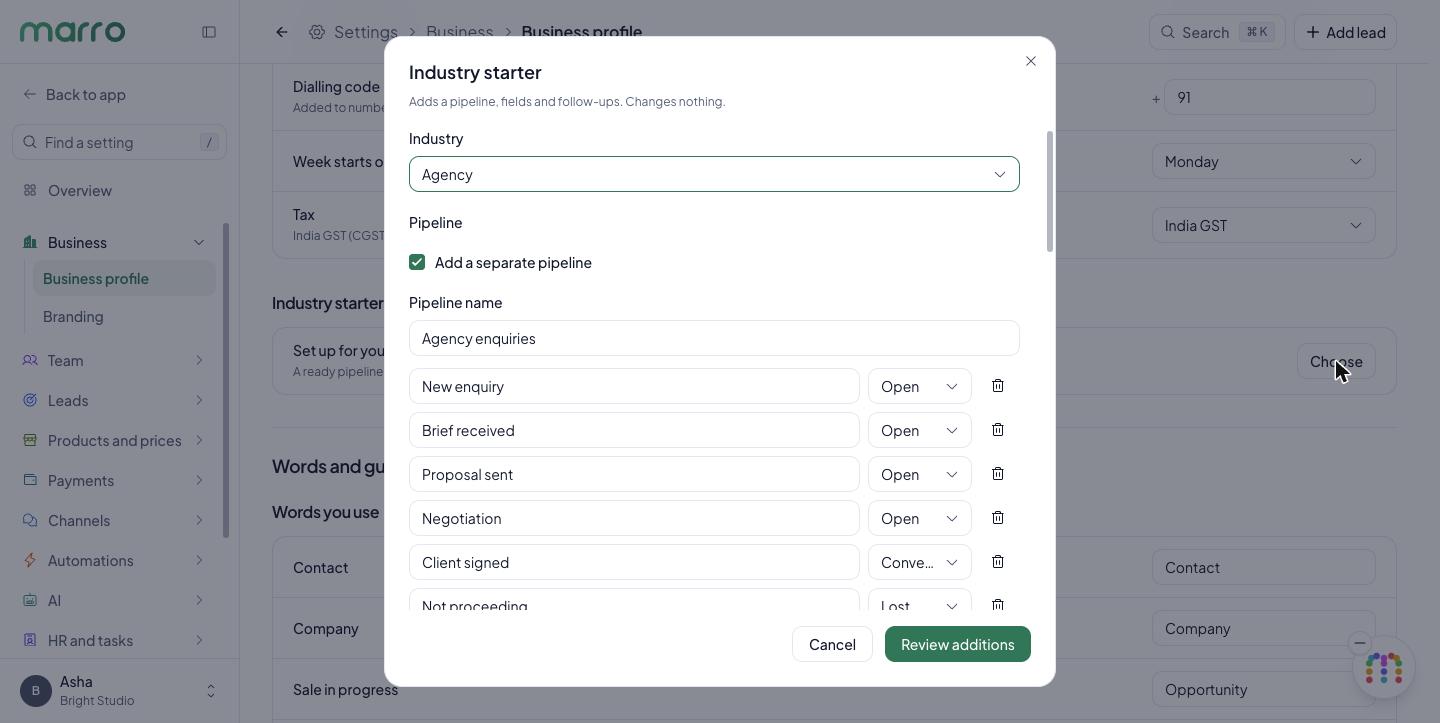
Ask Marro
Try asking
“Add a Site visit stage after Contacted”Marro shows the change and asks before saving.