

Its instructions
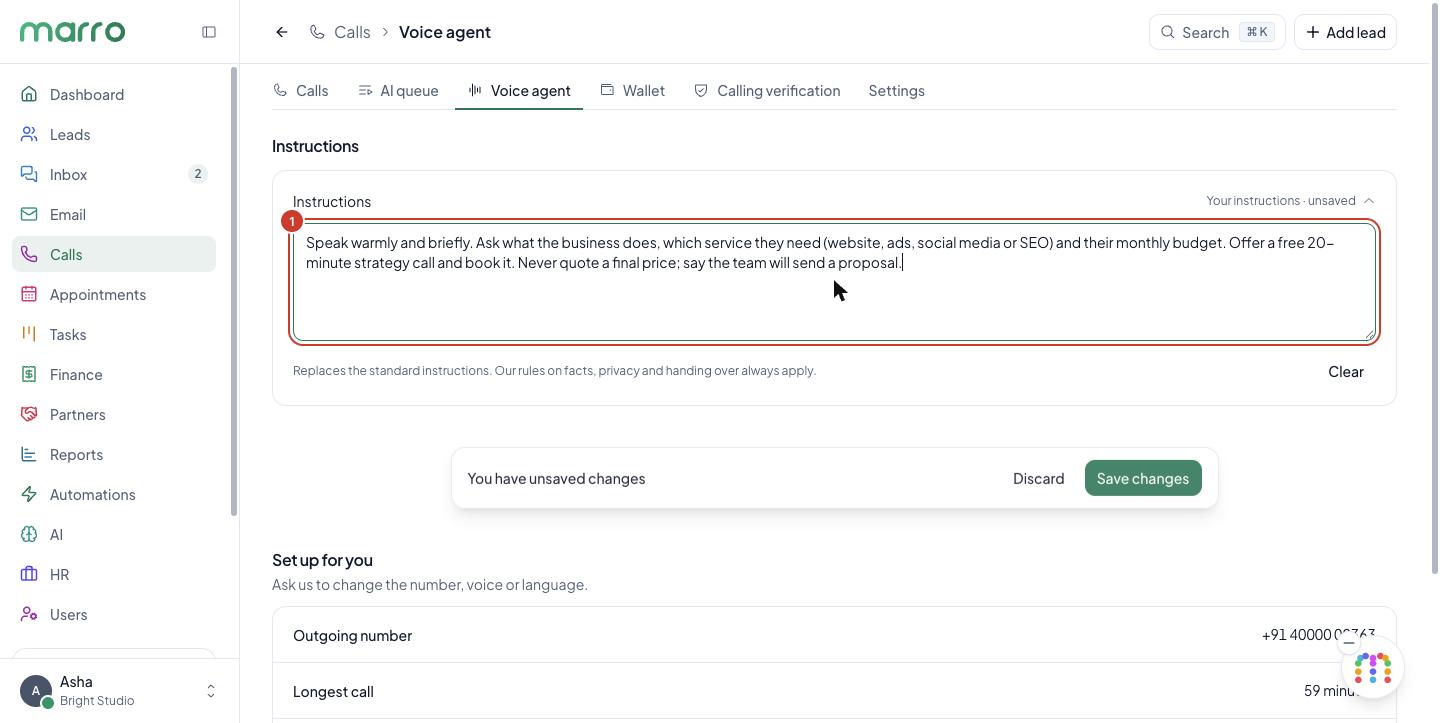
Set up for you
1
Add your business knowledge
AI calls stay off until it is added.
2
Marro's team sets the voice and language with you
Nothing for you to configure.
3
Check Calls → Voice agent
It shows whether the agent is active, your outgoing number, the longest a call can last, and how many calls can run at once (up to 100).
Request more lines
Calls at once is how many AI calls can run together.1
Request
Choose Request more lines and enter the total you need (up to 100).
2
Wait for review
The row shows Withdraw while Marro’s team reviews it. One request at a time.
3
Get the answer
You and your administrators get an email either way.
Ask Marro
Try asking
“How many AI calls can run at once? Ask for 10 lines.”Marro tells you your lines and prepares the request for you to approve.