

Who gets a chat
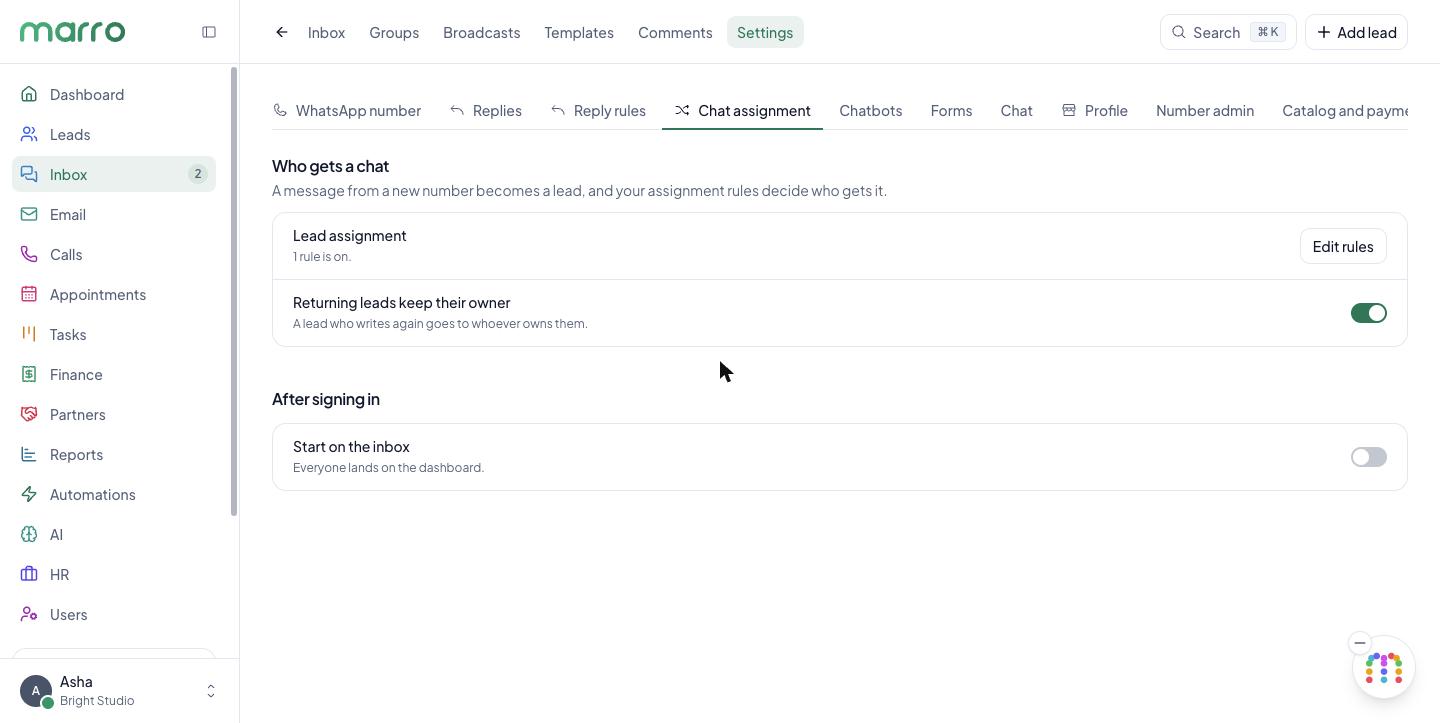
The two settings
Change it
1
Open the page
Go to Inbox → Settings → Chat assignment.
2
Edit the rules
Press Edit rules to change who gets leads.
3
Choose for returning leads
Switch Returning leads keep their owner on or off.
Ask Marro
Try asking
“Who owns this chat?”“Give this chat back to its owner”Marro asks your approval before assigning.