

Connect your number
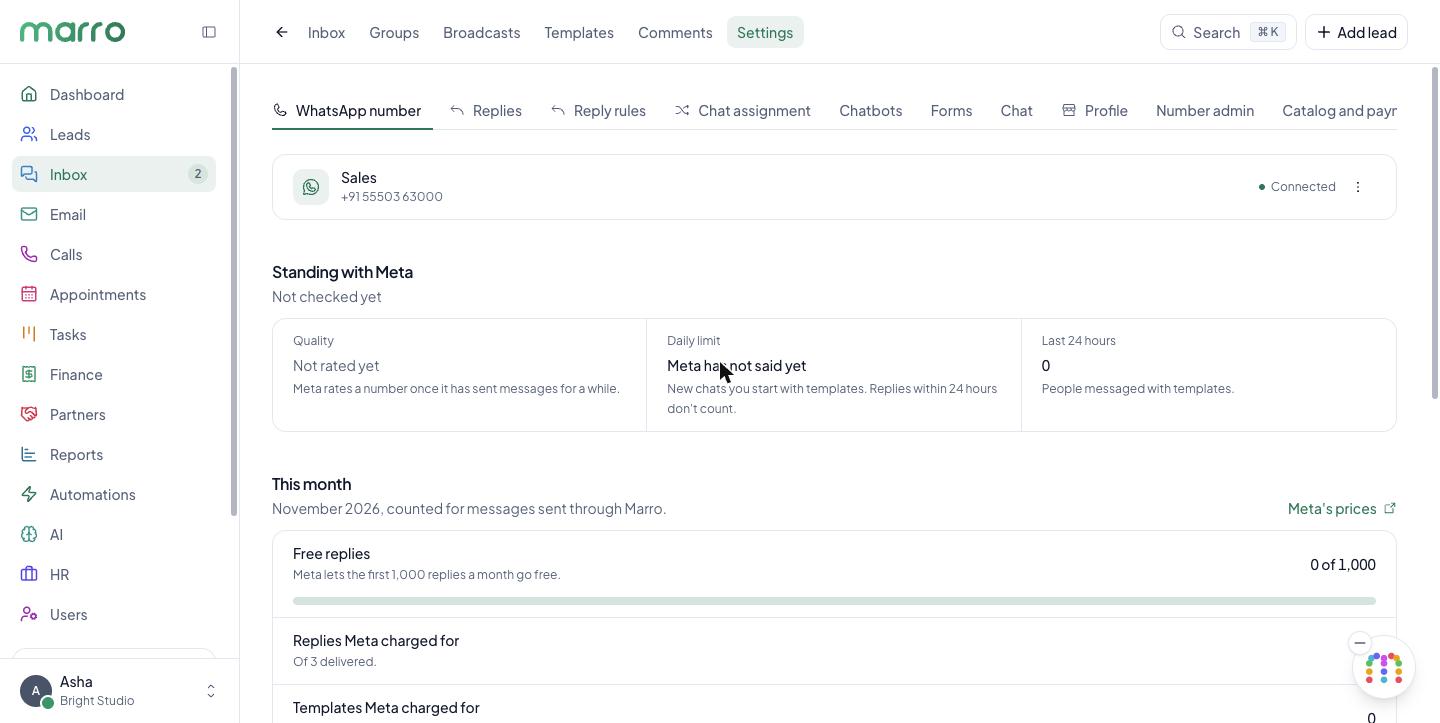
1
Open the page
Go to Inbox → Settings → WhatsApp number and look at Connect your number.
2
Choose your number
My WhatsApp Business app number keeps the app working on your phone, and the last six months of chats come across. A number not on WhatsApp yet is confirmed by Meta with a code by SMS or call.
3
Continue with Meta
Sign in with Facebook and choose your portfolio, account and number. The page then shows Connected.
Standing with Meta and this month
Staff alerts, rename and disconnect
Ask Marro
Try asking
“Is our WhatsApp number connected?”“How many free replies have we used this month?”Marro reads the number’s standing. Connecting and disconnecting are done on the web.