

Who answers
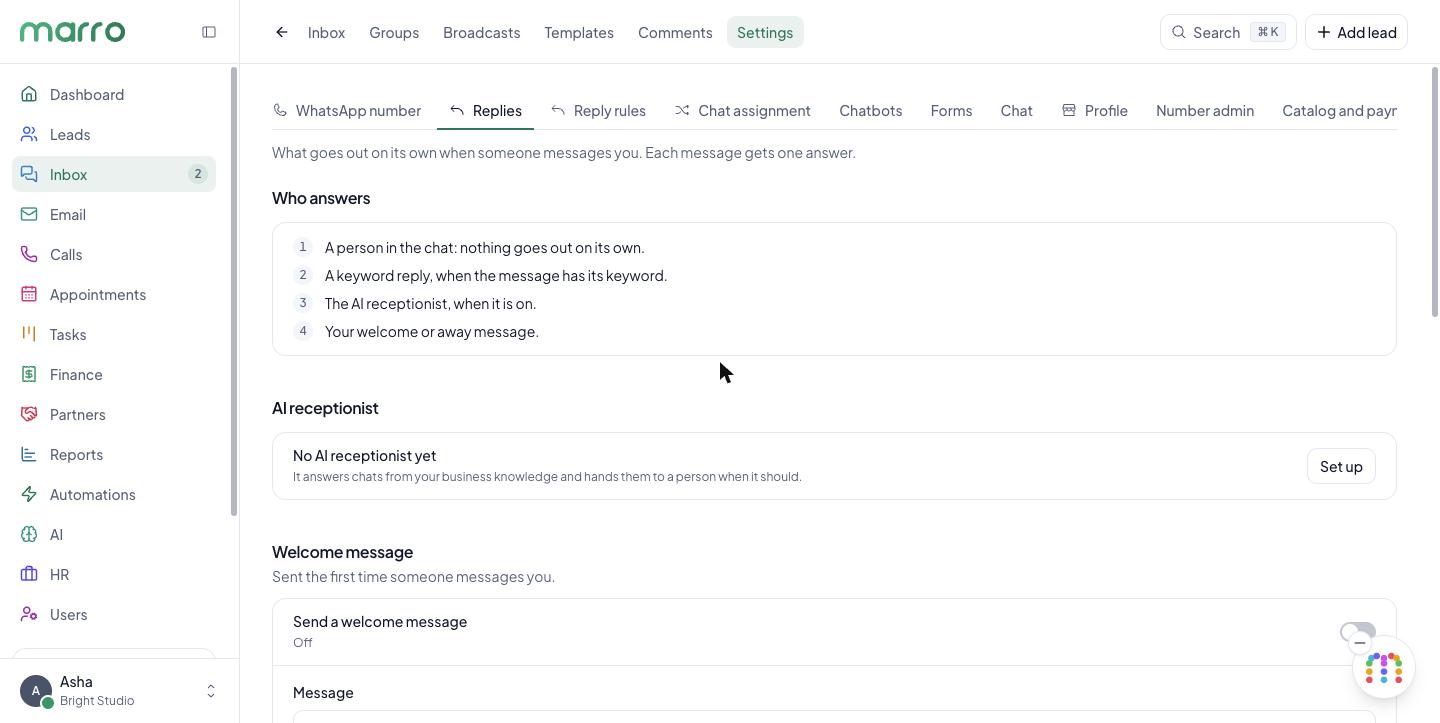
The cards
Keyword replies and the default reply
1
Add a rule
In Reply rules, choose Add rule and name it.
2
Choose how it matches
Contains the words, Is exactly, Starts with or Contains the text, then the keywords.
3
Choose the reply
A message (inside the 24-hour window) or An approved template (can go when the window is closed).
4
Order the rules
Drag to change the order. The first match from the top answers, once per chat every 10 minutes.
Ask Marro
Try asking
“Add a keyword reply for fees”“Turn the away message off”Marro asks your approval before any change, and always before deleting a quick reply.